logo Quicktab

New inspiration with every new tab

Say hello to an exciting way to brighten up your browsing! With our new Google Chrome extension, your background image will magically change each time you open a new tab. Get ready for a colorful and captivating browsing experience like never before.
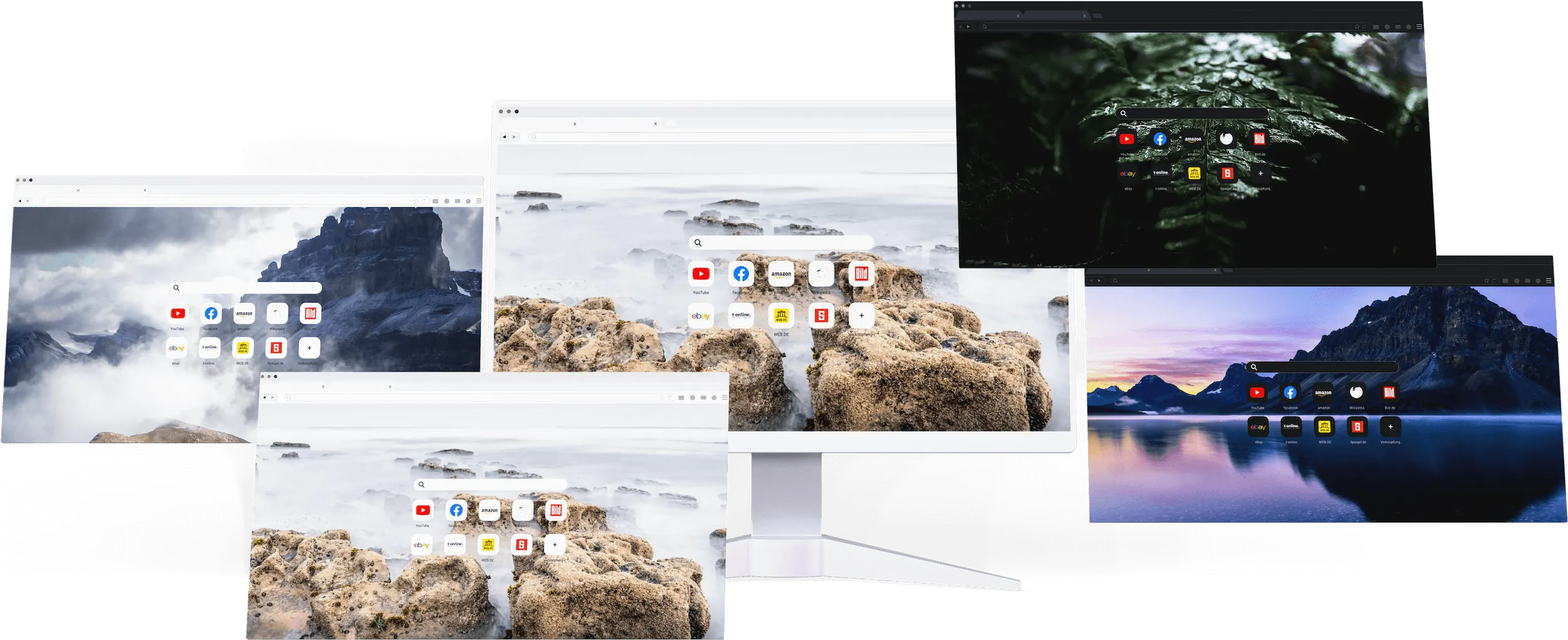
customised image composition with QuickTab

Say goodbye to that dull background you've been seeing day after day. With our fantastic extension, your tabs will come to life with fresh, captivating images whenever you open them. From awe-inspiring landscapes to adorable animals, each quick tab holds a delightful surprise.

Ready to add some fun and variety to your browsing routine? Try our Google Chrome extension today and see the difference it can make!

Get QUICKTAB (opens in a new tab)

ADVANTAGES

Here are some advantages that a user can expect to get when choosing a Google Chrome extension that changes the background image on every new tab:

Personalization

By changing the background image on every new tab, users can customize their browsing experience to match their individual preferences and moods.

Variety

With a constantly rotating set of images, users won’t get bored or feel like they’re stuck in a rut when using their browser.

Inspiration

Many background images can be inspirational, featuring quotes or scenes that motivate or encourage users.

Productivity

By using images that are calming or inspiring, users can stay focused and motivated, which can increase productivity while browsing.

Creativity

Some users may even feel inspired to create their own images or share their favorite backgrounds with friends and family, which can foster creativity and self-expression.

Easy to Use

With an easy-to-use interface, users can quickly and easily set up the extension and start enjoying their new backgrounds.

Overall, an extension that automatically changes the background image on every new tab can add a fun and personal touch to a user’s browsing experience while also providing practical benefits such as increased productivity and inspiration.

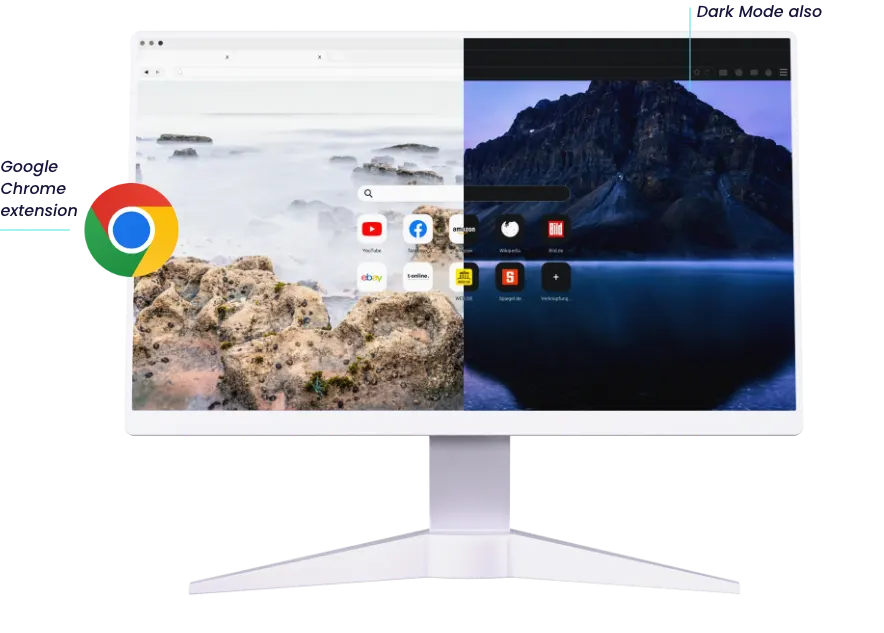
desktop computer image with dark and light mode

Frequently Asked Questions

Is QuickTab free to use?

Yes, QuickTab is completely free to install and use from the Chrome Web Store.

Can I uninstall QuickTab at any time?

Yes, you can remove QuickTab whenever you like from Chrome's extensions settings, with no impact on your browsing data.

Can I choose which images I see?

Not yet — QuickTab automatically rotates through a curated collection of high-quality images, from inspiring landscapes to adorable animals, with every new tab.